Our Pro Tools course provides in-depth training for recording and producing music in the engineers choice, and recording & mixing studio standard DAW. It doesn’t matter what genre the music you work with is, if you want to use Pro Tools to create your tracks, this course will cover the music production and engineering skills you need. Even if you are a more experienced Pro Tools user you will benefit from this course, as all of the elements will be covered in detail, peppered with loads of practical real-world tips – giving you the edge over anyone learning any other way. Total class time is 36 hours where you can ask a question and bounce off of your instructor and fellow learners exactly when you're feeling inspired, or …confused! This is why some say that there is no substitute for music production courses in person. On successful completion of the course, you will receive an industry-recognized certificate.
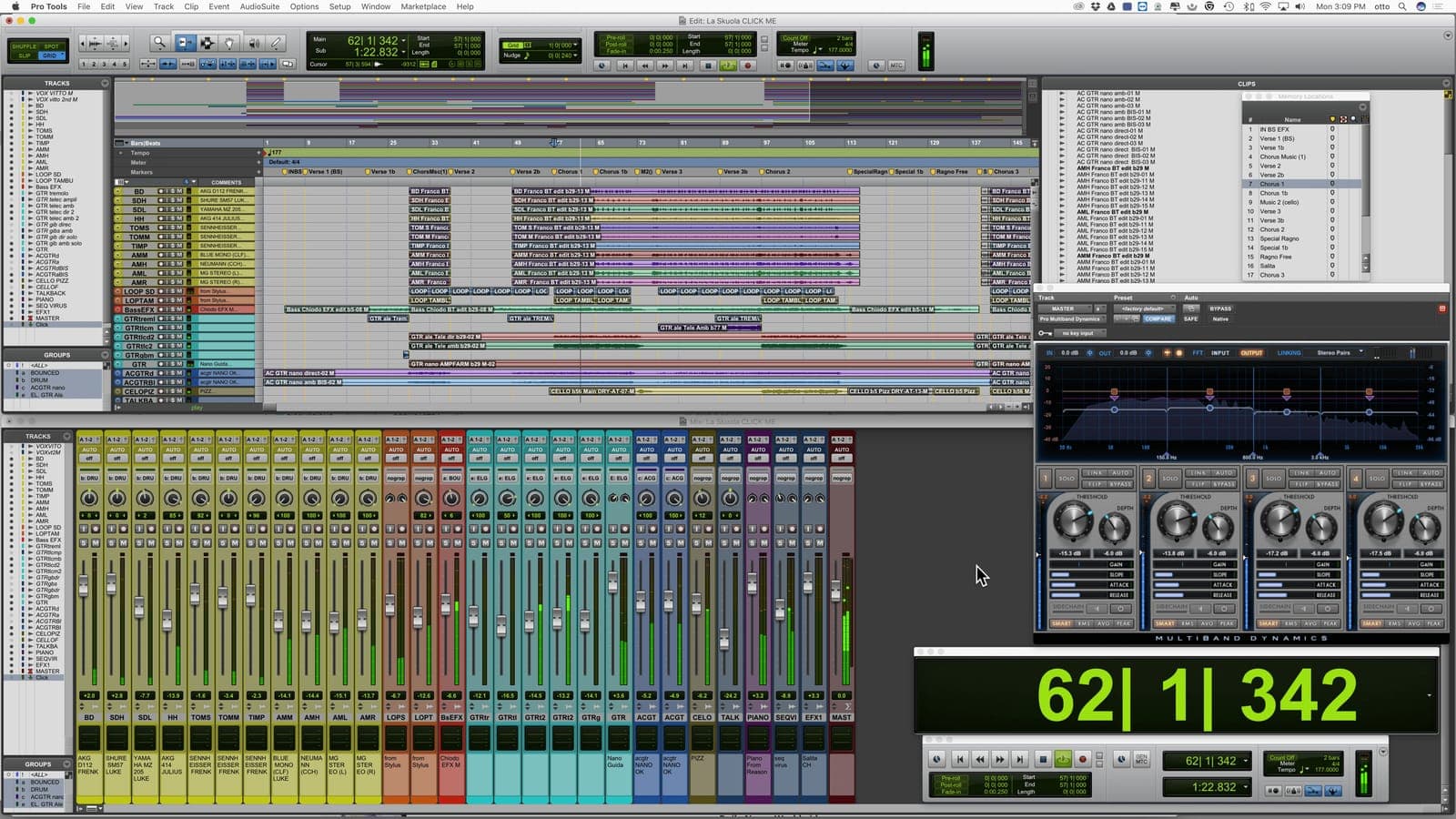
Pro Tools Class | Chicago
Pro Tools Class – The Studio Standard, Mastered.
Pro Tools Course
Getting Started
- →Software installation, toolkits, iLoks & licenses
- →Avid hardware and other compatible interfaces
- →Launching Pro Tools & session start up
- →File format, bit depth & sampling rate tips
- →Pro Tools file structure and file management
- →Edit & mix window introductions
Advanced Editing Techniques
- →Clip based gain and automation
- →Pencil tool, TCE (Time Compression Expansion Tool)
- →Strip silence and tab to transient and consolidating clips
- →Repeating and duplicating clips
- →MONO, stereo and panning
- →Overview and automation for plugins and effects
Workflow
- →Edit window orientation
- →Importing audio, creating and track arranging tips
- →Edit modes - all about Slip, Spot, Shuffle & Grid
- →Multi-tool (Trimmer, Grabber, Selector)
- →Transport window - tempo, pre & post roll count off
- →Grid and nudge values
Recording Techniques and Introduction to Sound Design
- →Balancing, introduction to the art of mixing. Group tracks and advanced uses of routing
- →Introduction to sound waves, frequency, and amplitude
- →The recording patch in detail, introduction to gain structure
- →EQ and compression for recording
- →Foldback, headphone mixes, and latency
- →Digital, analog, sampling rate and bit-rate explained
- →Microphones overview and stereo miking techniques
- →Recording specific aspects of Ableton
- →Compiling audio takes
Samples & Loops
- →Creating drum loops in Pro Tools
- →MIDI controllers and editing MIDI
- →Printing software Instruments
- →Master Fader, VU and peak meters
- →Beat Detective - time correct live drums
- →Exporting audio, bouncing mixes and dithering
The Final Product
- →Preparing your session for mix-down
- →Consolidating audio and cleaning up your session
- →Exporting MP3s and Editing METADATA
- →Mixing techniques for post production, including film & TV
- →Key command shortcuts’ review
- →0dbfs and digital clipping
In Chicago, the city that gave the world house music, the Pro Tools Class runs the way it does everywhere we teach: small groups, hands-on, with working producers as instructors. If getting to the studio is not practical, the same sessions run live online, using our specialist music collaboration software, Muse. Discover qualities that distinguish us, here.
Hear it from our students.
“The course is very friendly and engaging. Any and all questions will be asked with no hesitation or frustration, and it helps everyone else in the class that might have the same question in mind.”
Ryan Conway
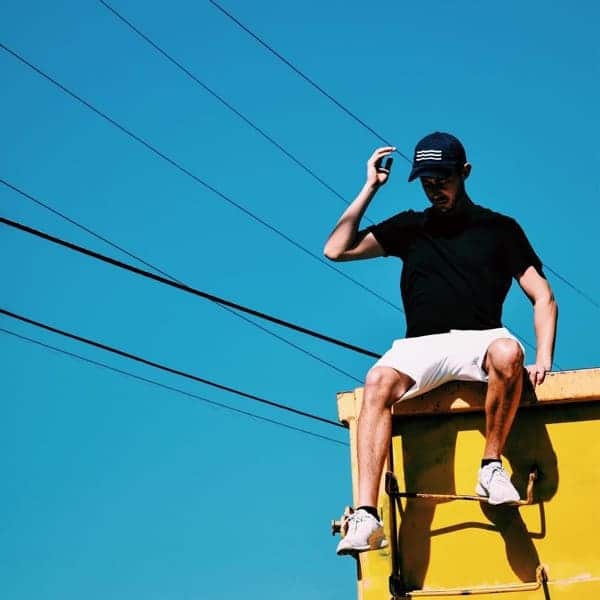
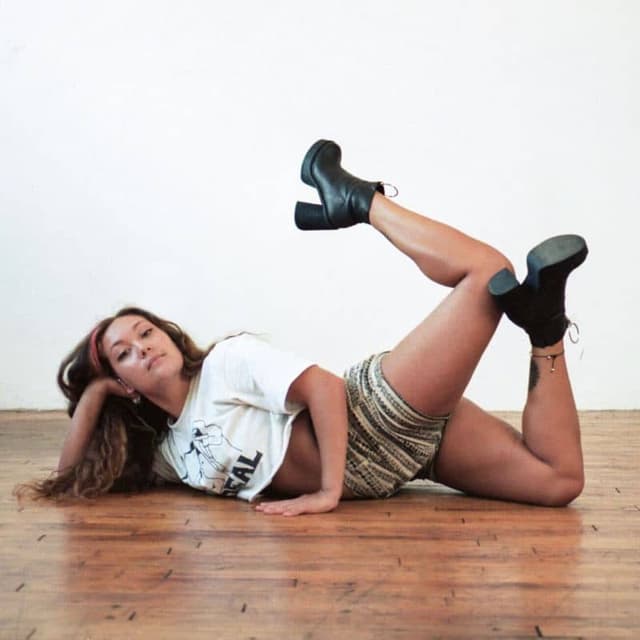
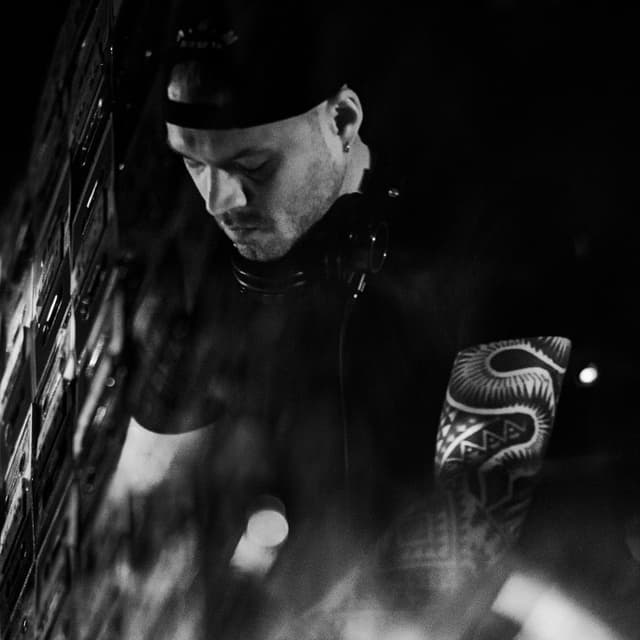
Instructors
Frequently asked questions.
Yes, an industry-recognized certificate is issued on completion.
Just yourself, ideally with your own laptop. Headphones and a controller keyboard are supplied either way.
Session setup, file management, advanced editing tools, recording and mixing technique, and how to prep a final mix for delivery.
36 hours.
If you'd prefer 1-on-1 pacing, yes - see the Pro Tools Private Instruction page to arrange it.
You can hire an iMac loaded with the software for a $75 supplement - just request it when you book.
$1499 + $100 Registration if booked 14 days before start or $1799 + $200 Registration
Take the first step.
InquireLogic Pro training: Zoom tool and using loops with regions
Logic Pro training: Zoom tool and using loops with regions: I made a video at my studio about zooming for Logic Pro Training. I don't know how I managed to talk about zooming for over 6 1/2 minutes but I love it. The first 4 minutes can get a bit tedious if you're familiar with all the weird and won
Read →Camel Audio’s Alchemy, NI’s Absynth and Propellerhead’s Malstrom
Additive Synthesis: breaks sound down into its harmonics, creating timbre by adding sine waves together Granular Synthesis: creating sounds by playing waveforms and/or samples through a synthesis engine that operates like a sampler on the microsound time scale So, what can you achieve by running som
Read →Apple Logic Pro with Avid Pro Tools HD DAW Systems
Apple Logic Pro with Avid Pro Tools HD DAW Systems: I heard here that Apple (Logic) are to stop support for Avid's Digidesign products (Pro Tools). This is a massive kick in the teeth for Avid who I here are struggling a bit at the moment. Neither rumor surprises me; I cashed in my (digital signal p
Read →Approaches to electronic music production (EMP) in Max/MSP
New Approaches: Max/MSP Digital Synthesiser Building in electronic music production (EMP) by our course designer and instructor Steve Powell: 11/1/11 Everyone has different ways of writing music whether you sit down with your guitar, play and hum until you get something you like, or draw out some be
Read →Which DAW is best? – Logic, Pro Tools, Ableton or Cubase?
- Al Riley My first multitrack workstation was my 4-track Portastudio (not a DAW, an AAW I suppose?), which gave me the novel luxury of changing the volume and panning different instruments after recording them! I could even use insert effects (a guitar pedal) and punch-in recording to fix questiona
Read →Build a synthesizer | THINK, MAKE, PLAY | Max/MSP
Build a synthesizer | THINK, MAKE, PLAY | Max/MSP. article by Mr Steve Powell What’s the first thing you do when starting a new track or build a synthesizer on your computer? Fire up Logic or Max/MSP? Warm-up the TB808? Sit on top of a hill and hope musical inspiration hits you whilst pondering the
Read →